Cloud computer gaming gives players access to remote computing hardware without having to buy and maintain a high-end gaming PC. Instead of relying entirely on a local graphics card and processor, you connect to a cloud computer that runs compatible games and streams the experience to your device.
For gamers comparing cloud PC services, choosing the right platform involves more than graphics performance. Billing flexibility, supported devices, game compatibility, storage, and server location can all influence the experience.
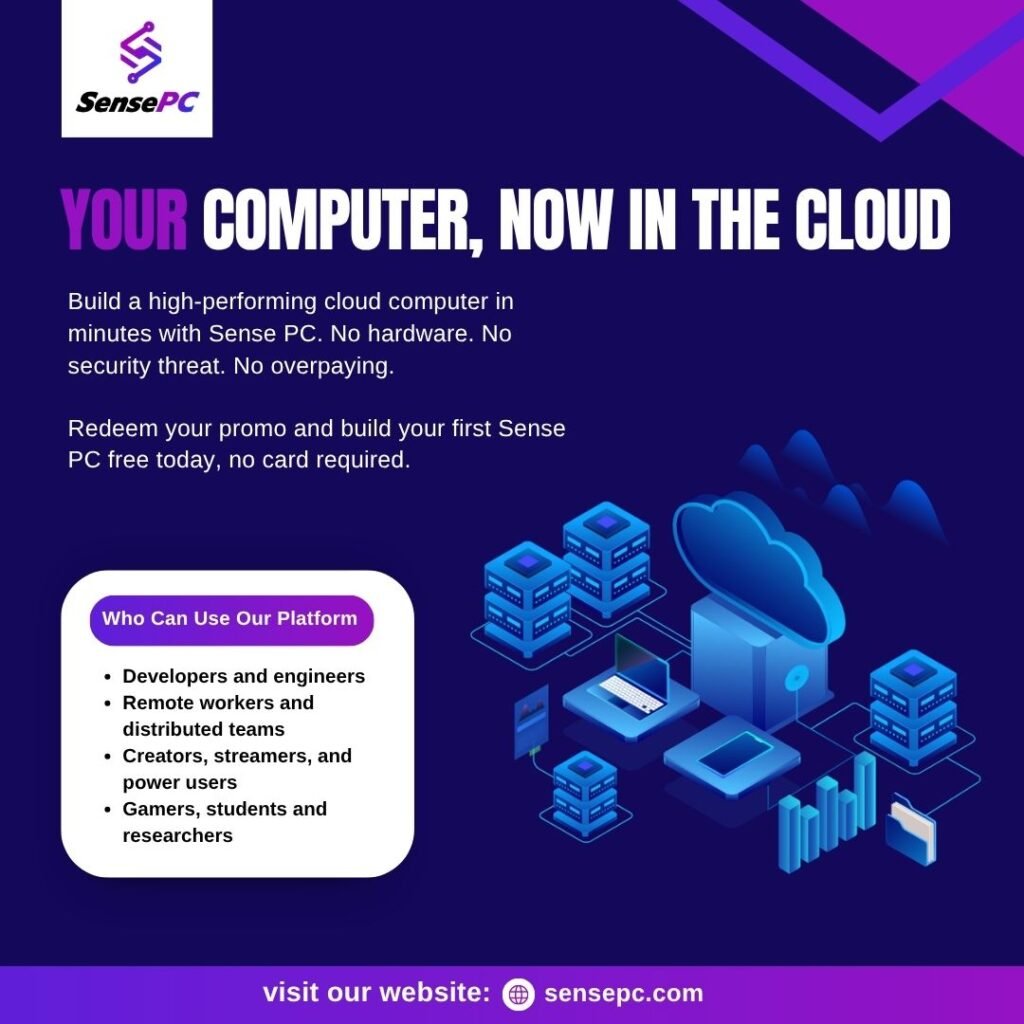
If you are searching for a Shadow PC alternative, SensePC is one option worth comparing. It offers a full Windows 11 cloud PC with Hourly, Daily, and Monthly access, making it useful for people who want flexibility beyond a recurring subscription.
What Is Cloud Computer Gaming?
Cloud computer gaming uses a remote computer to run PC games while transmitting the display and audio to your device over the internet. Your keyboard, mouse, or controller inputs travel back to the remote computer.
There are two common approaches to cloud gaming:
- Game-streaming services: Run supported titles from a managed game catalog without providing a complete desktop.
- Full cloud gaming PCs: Give you access to a remote Windows environment where you can install compatible launchers, games, and applications.
A full cloud PC can be useful if you want more control over your gaming environment. However, you still need your own game licenses and accounts, and not every game will work in every virtual environment.
Why Look for a Shadow PC Alternative?
Shadow PC is a recognized option for people who want a full Windows computer in the cloud. However, different gamers have different needs, and a subscription-based service may not be ideal for everyone.
You might compare alternatives if:
You play occasionally. If you only need a cloud PC for a few sessions, a flexible hourly option may be more suitable than paying for an entire month.
You want to control computing costs. Compare the billing model, what happens when the PC is stopped, and whether storage continues to incur charges.
You need a remote computer for more than gaming. A full Windows cloud PC can also support compatible productivity applications and other workloads.
You want a particular gaming setup. GPU resources, CPU performance, memory, storage, server location, and game compatibility should all factor into your decision.
The best alternative is not necessarily the one with the lowest advertised price. It is the one that fits your usage pattern and performance requirements.
SensePC as a Shadow PC Alternative
SensePC offers a full Windows 11 cloud PC for gaming, productivity, and other supported computing tasks. Rather than limiting users to a fixed streaming-game catalog, it provides a remote desktop where users can sign in to their own accounts and install compatible applications.
Its main distinction is flexible billing: users can choose Hourly, Daily, or Monthly access according to how often they need the computer.
1. Flexible access options
Hourly access can suit occasional gaming sessions. Daily and Monthly options may be more convenient for users who need a more regular schedule.
Compare the current prices and included usage before choosing a plan. With Hourly access, compute charges stop when the PC is stopped, but persistent SSD storage can continue to incur charges while the PC exists.
2. GPU-equipped gaming configurations
SensePC’s Xtreme gaming configurations use NVIDIA L4 graphics, with different CPU, memory, and storage configurations available across tiers. Steam and Epic Games Launcher are ready on Xtreme plans.
This provides a starting point for gamers who want to use their own supported game libraries. Actual performance depends on the game, settings, network connection, and selected configuration.
3. A persistent Windows environment
A full cloud computer lets you work within a remote Windows desktop rather than accessing only a predefined game catalog. SensePC persistent SSD storage retains installed games, launchers, settings, and files between sessions, subject to the service’s storage terms.
Game compatibility is not guaranteed. Publisher policies, digital rights management, anti-cheat systems, and updates can affect whether a particular title works.
4. Browser access and Performance Mode
SensePC supports browser access, with Performance Mode available through the native Amazon DCV client on supported Windows and macOS computers. Performance Mode is recommended for latency-sensitive gaming, although the quality of the experience still depends on your network and server region.
Before switching providers, confirm that the supported access methods fit your computer and preferred gaming setup.
SensePC vs. Shadow PC: What Should You Compare?
| Feature | SensePC | Shadow PC |
|---|---|---|
| Computer environment | Full Windows 11 cloud PC | Full Windows cloud PC |
| Billing approach | Hourly, Daily, or Monthly | Primarily recurring subscriptions |
| Game launchers | Steam and Epic ready on Xtreme plans | Install supported launchers |
| Persistent storage | Available; storage charges may continue while the PC exists | Available under the selected plan |
| Device support | Supported Windows and macOS computers; browser access on Chromebook | Broader device support, including supported mobile and TV platforms |
| Game compatibility | Varies by title and configuration | Varies by title and configuration |
| Potential advantage | Flexible usage options | Broad device reach and recurring subscription convenience |
Service features, regions, prices, and configurations can change. Check both providers’ current terms before making a decision.
Which service is better for occasional gaming?
SensePC may be worth considering if you prefer to pay for computing time according to your usage. Hourly access lets you start with shorter sessions instead of committing to a monthly subscription from the outset.
Remember to include storage costs and any applicable setup charges when estimating the total expense.
Which service is better for regular gaming?
If you use a cloud PC frequently, compare monthly costs, available hardware, performance in your games, and the convenience of your preferred client devices. A recurring subscription may offer predictable costs, while a flexible billing model may suit users whose schedules vary.
The most suitable choice depends on your actual usage rather than the billing model alone.
How to Choose a Cloud Gaming PC
Before choosing SensePC or another Shadow PC alternative, work through these considerations:
- Check your games. Confirm that the games, launchers, and anti-cheat systems you need are compatible.
- Compare hardware. Review GPU capability, CPU, RAM, and storage against the requirements of your games.
- Choose a nearby region. Server distance and network routing can affect latency and responsiveness.
- Test your connection. A stable, low-latency connection is important for interactive gameplay.
- Calculate the complete cost. Include compute time, storage, initial setup charges, and any additional services.
- Confirm device support. Make sure you can connect using your preferred computer and access method.
Taking these steps helps you compare services on practical value rather than marketing claims alone.
Frequently Asked Questions
What is cloud computer gaming?
Cloud computer gaming runs compatible PC games on remote hardware and streams the experience to your device. Depending on the service, you may access a full Windows desktop or a managed catalog of games.
Is SensePC a good Shadow PC alternative?
SensePC is worth comparing if you want a full Windows 11 cloud PC with Hourly, Daily, and Monthly billing options. Shadow PC may be more suitable if its broader device support or subscription structure better matches your needs.
Can I play my own games on SensePC?
You can install and play supported games using your own accounts and licenses. Compatibility varies by title, publisher restrictions, anti-cheat software, and configuration, so check your preferred games before paying.
Is cloud gaming better than buying a gaming PC?
Cloud gaming can reduce the need for a large upfront hardware purchase, but it introduces ongoing service costs and depends on internet connectivity. Buying a local PC may make more sense for users who need consistent local performance or want to avoid streaming latency.
Does SensePC charge when the cloud PC is stopped?
For Hourly access, compute billing stops when the PC is stopped. However, persistent SSD storage can continue to incur charges while the PC exists. Review the current pricing and storage terms to estimate your total cost.
Final Thoughts
Cloud computer gaming offers an alternative to purchasing and maintaining a high-end gaming computer. The right provider depends on your games, connection quality, device requirements, and preferred payment model.
If you are evaluating a Shadow PC alternative, compare the complete experience rather than focusing on one specification. SensePC is worth exploring if flexible access to a full Windows cloud PC is important to you.
Explore the pc gaming cloud, review current pricing, or read the detailed SensePC vs. Shadow PC comparison before deciding.