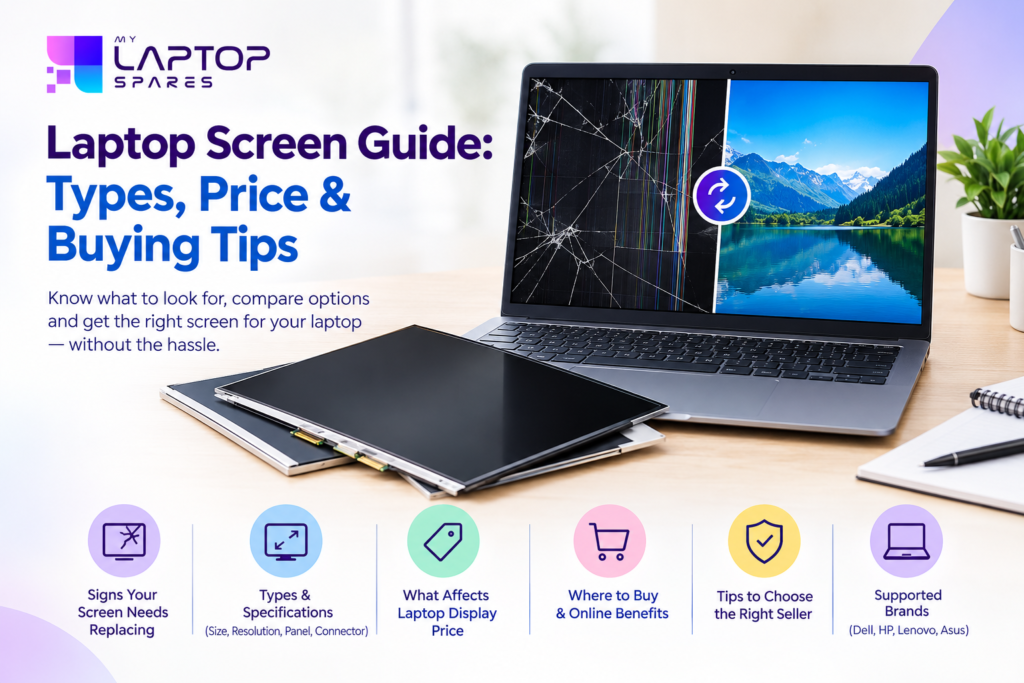
If your laptop’s screen has cracked, developed lines, or simply gone dark, you don’t need to replace the entire machine. In most cases, swapping out the panel is enough to bring your laptop back to full working condition — and it costs a lot less than buying a new one. This guide walks you through everything worth knowing before you make that purchase.
Signs Your Screen Needs Replacing
The screen is the part of a laptop you interact with the most, so even small issues can quickly become frustrating. Watch out for:
- Cracks or spider-web lines across the panel
- Dark patches, dead pixels, or odd discoloration
- Flickering, flashing, or a screen that randomly goes black
- No backlight at all, even though the laptop powers on
- Wavy lines or distorted colors
If any of these sound familiar, replacing the panel is usually the quicker and more affordable fix compared to a full repair, especially when the rest of the laptop is still in good shape.
Understanding a Laptop Display Before You Buy
Before purchasing a new laptop display, it helps to understand a few technical basics so you don’t end up with the wrong part:
Size — Panels commonly come in 11.6″, 13.3″, 14″, 15.6″, and 17.3″ variants. The 15.6-inch size is the most widely used across brands.
Resolution — HD, Full HD, and higher resolutions like 2K or 4K each need a matching panel. Fitting the wrong resolution can cause visible display problems even when the size is correct.
Panel Technology — TN, IPS, and OLED panels differ in color quality and viewing angles. IPS tends to be the better all-round choice for everyday use.
Connector Type — The cable connector and pin count need to match your motherboard exactly. This detail gets overlooked often, and it’s one of the most common causes of a mismatched order.
Getting these four details right before you order saves you the hassle of returns or exchanges later.
What Goes Into Laptop Display Price
People often assume all panels of the same size cost the same, but laptop display price actually depends on a few different factors:
- Screen size — larger panels typically cost more
- Resolution and panel type — a Full HD IPS unit costs more than a basic HD one
- Brand-specific design — slim-bezel or proprietary connectors can push the price up
- Condition — new panels cost more than refurbished ones but tend to last longer
Rather than going by rough estimates you find online, it’s always worth checking with a supplier directly using your exact laptop model number for an accurate quote.
Now, since the 15.6-inch format covers the majority of laptops sold in India — from entry-level models to gaming machines — a lot of buyers specifically search for 15.6 inch laptop display price before deciding. Within this one size alone, pricing can vary quite a bit: a basic HD panel sits at the lower end, a Full HD version costs a bit more for the sharper resolution, and slim-bezel or touch variants sit at the top due to the extra technology involved. Always confirm your model number before finalizing, since size alone isn’t enough to guarantee compatibility.
Choosing Where to Buy
A working laptop screen replacement depends as much on where you buy it from as it does on the specs you pick. A mismatched panel — even one that looks identical — often won’t display correctly or fit the hinges properly. This is why checking the exact model number with the seller before ordering matters more than just picking based on size or price.
Local repair shops used to be the only option, but stock was often limited and pricing inconsistent. That’s changed quite a bit over the last few years.
The Shift Toward Buying Spare Parts Online
More people are now choosing to buy laptop spare parts online instead of relying on a nearby repair shop, and for good reason:
- A far wider selection — online sellers stock parts for dozens of brands and models that a local shop simply can’t match.
- Easier price comparison — you can check specs and pricing side by side before committing.
- Doorstep delivery — useful if there’s no trustworthy repair shop close to you.
- Warranty backing — established sellers usually offer replacement or return support, which most local shops don’t.
The one thing to watch for is making sure the seller actually verifies compatibility before shipping, since that’s where most ordering mistakes happen.
What to Look for in a Seller
If you’re trying to find a trustworthy laptop screen india supplier, a few quick checks go a long way:
- Do they ask for your exact model number before confirming the order?
- Are the panels genuine or tested, rather than unbranded clones?
- Is there a clear return or replacement policy in place?
- Do other customers report a smooth buying experience?
A reliable seller will walk you through the compatibility check rather than just processing whatever you click on. That one step avoids most of the common issues buyers run into.
A Simpler Way to Order the Right Panel
This is essentially the gap that my laptop spares aims to fill for buyers across India. Instead of guessing which panel might fit, the platform is built around helping you match the correct screen to your exact model number, size, and resolution — with transparent pricing throughout, so there are no surprises at checkout.
Whether you’re dealing with a cracked screen, a backlight that’s stopped working, or simply want to upgrade to a sharper display, having a supplier that understands laptop parts specifically — rather than treating them like generic electronics — makes the whole process far smoother.
Brands Commonly Supported
Replacement panels are widely available for laptops from:
- Dell
- HP
- Lenovo
- Asus
Regardless of which of these you own, matching the exact model number to the right size, resolution, and connector type is what actually determines a smooth installation.
Read our blog to find the right laptop screen for your needs.
Final Thoughts
A cracked or malfunctioning screen doesn’t have to mean the end of your laptop. Get the model number right, understand what drives pricing, and choose a seller who checks compatibility before shipping — and you’ll have your laptop looking and working like new again without much hassle.
Frequently Asked Questions
- How do I find out which screen size my laptop needs? Look up your laptop’s model number — usually printed on a sticker underneath the device — and check its official specification sheet. This will confirm the exact size, resolution, and panel type you need.
- Can I install a laptop screen myself? Yes, if you’re comfortable with basic tools and follow a proper installation guide. If you’re not confident, having a technician handle it is the safer option to avoid damaging the panel or its cable.
- Are refurbished screens worth buying? They’re a reasonable budget option, but they generally don’t last as long as new panels. If your budget allows it, a new panel is the better long-term investment.
- Does a higher resolution screen work on any laptop? Not necessarily. The panel has to match your laptop’s supported resolution and connector type. An incompatible high-resolution panel may cause display issues or simply not work, so it’s worth confirming compatibility before you order.