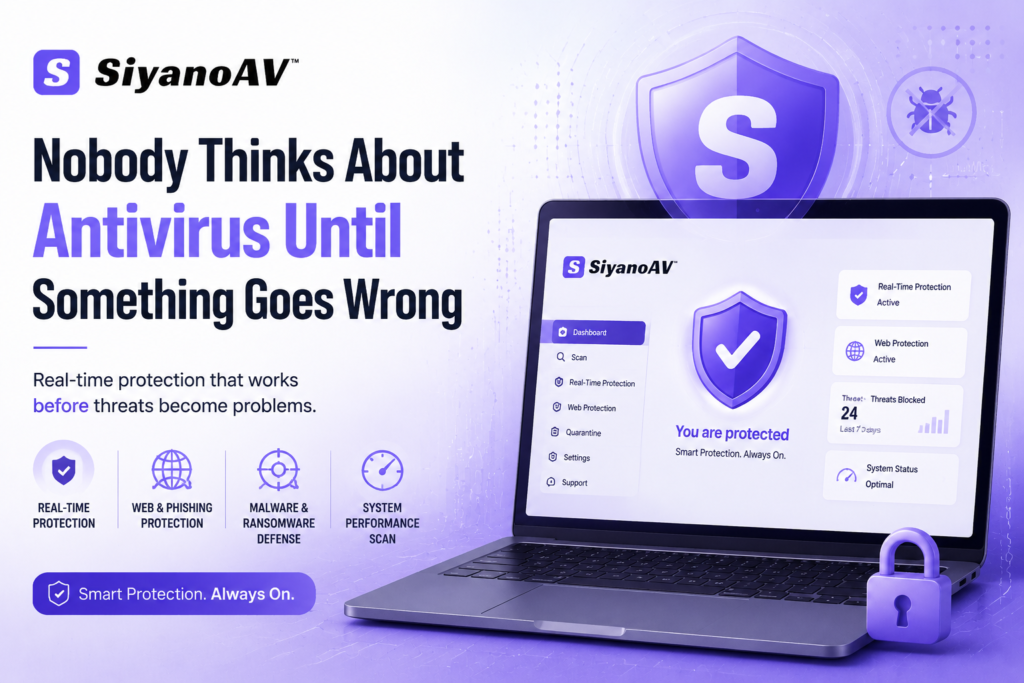
Nobody Thinks About Antivirus Until Something Goes Wrong
Here’s a situation most people have been in. Your PC starts running slow. Random popups appear. A file you didn’t download shows up in your downloads folder. And only then — only after something feels off — do you start searching for the best antivirus software.
That’s backwards. And honestly, it’s how most people operate.
The truth is, cyber threats in 2025 aren’t the obvious viruses from ten years ago. They’re quieter. Sneakier. A compromised email attachment, a shady browser extension, a cracked software download — that’s all it takes. By the time your PC starts acting weird, something’s probably already been running for days.
This piece is about SiyanoAV — what it does, who it’s actually good for, and whether it holds up against the big names. No fluff. Just a straight look at whether it deserves a spot on your machine.
What Is SiyanoAV and Why Should You Care?
SiyanoAV is a security software built for real-time PC protection. It’s not trying to be everything — no VPN bundled in, no password manager tacked on just to inflate the feature list. It focuses on what actually matters: keeping threats off your system before they cause damage.
That focus is honestly refreshing.
Most big antivirus brands have turned into bloated suites that slow your machine down just by running. SiyanoAV takes a different approach — lightweight engine, active threat detection, and a clean interface that doesn’t make you feel like you need a manual to use it.
The Features That Actually Do Something
Real-Time Threat Detection
This is the one that matters most. Real-time scanning means SiyanoAV is watching what’s happening on your PC as it happens — not just when you remember to run a manual scan on a Sunday afternoon.
When you download a file, open an email attachment, or plug in a USB drive, SiyanoAV checks it immediately. That’s the difference between catching something before it executes and dealing with a mess afterward.
Malware and Ransomware Protection
Ransomware is brutal. Your files get encrypted, someone demands payment, and even if you pay — you might not get them back. SiyanoAV monitors for behavioral patterns that match ransomware activity, not just known virus signatures. That’s important because new ransomware variants show up constantly, and signature-only detection misses them.
Malware protection works the same way. It’s watching behavior, not just checking a list.
Web and Phishing Protection
The truth is, most infections don’t come from sketchy downloads anymore. They come from clicking a link in a fake email that looks completely real. SiyanoAV’s web protection layer flags suspicious URLs before the page even loads.
Small feature. Massive impact.
System Performance Scanning
Here’s one people overlook — SiyanoAV includes basic system health checks. Startup items, junk files, processes running in the background that shouldn’t be. It’s not a full optimizer, but it catches the stuff that slows your machine down without you knowing why.
Let’s Be Real — How Does It Compare?
| Feature | SiyanoAV | Norton 360 | Bitdefender Total | Windows Defender |
|---|---|---|---|---|
| Real-Time Scanning | ✅ Yes | ✅ Yes | ✅ Yes | ✅ Yes |
| Ransomware Protection | ✅ Yes | ✅ Yes | ✅ Yes | ⚠️ Basic |
| Phishing/Web Protection | ✅ Yes | ✅ Yes | ✅ Yes | ⚠️ Limited |
| System Performance Impact | ✅ Low | ⚠️ Moderate | ✅ Low | ✅ Low |
| Bloatware / Extras | ❌ Minimal | ⚠️ Heavy | ⚠️ Moderate | ❌ None |
| Interface Simplicity | ✅ Clean | ⚠️ Complex | ⚠️ Moderate | ✅ Simple |
| Price Point | ✅ Affordable | ❌ Expensive | ❌ Expensive | ✅ Free |
Windows Defender is free and decent — but it’s not enough on its own for anyone doing real work on their PC. SiyanoAV fills that gap without the price tag or the bloat of the bigger names.
Who Is SiyanoAV Actually Built For?
Honestly? It’s not for enterprise IT departments managing thousands of endpoints. Those teams have different needs.
SiyanoAV is built for regular people. Freelancers. Small business owners. Students. People who want solid protection without having to configure firewall rules or sit through an hour-long setup wizard.
If you’re someone who just wants your PC safe, fast, and not constantly nagging you — SiyanoAV fits that profile well.
The One Thing Most Antivirus Reviews Skip Over
Performance impact. It never gets talked about enough.
You can have the best antivirus software in the world, but if it makes your computer feel like it’s running through mud — you’re going to disable it. That’s just human nature. And a disabled antivirus protects exactly nothing.
SiyanoAV runs light. It doesn’t spike your CPU during scans, doesn’t take 10 minutes to update definitions, doesn’t throw popups at you every hour. It just runs. Quietly. In the background.
That consistency is underrated.
Expert Take
“People always ask me which antivirus to buy. My first question back is always — will you actually keep it running? Because the best software you turn off is worse than average software you leave on. Lightweight and consistent beats powerful and annoying every single time.” — IT consultant with 11 years working with SMB security setups
A Few Things Worth Mentioning Upfront
No antivirus software — including SiyanoAV — catches 100% of threats. Anyone who claims otherwise is lying to you. What good security software does is catch the overwhelming majority of threats and make it significantly harder for the rest to do damage.
Keep your OS updated. Keep SiyanoAV running. Don’t click suspicious links even when the email looks real. That combination covers probably 95% of what threatens a regular Windows PC.
The other 5%? That’s what backups are for.
How to Get the Most Out of SiyanoAV
Don’t just install it and forget it. Do these things:
- Run a full system scan within the first 24 hours of installation to get a clean baseline
- Check the startup scan settings — make sure real-time protection is actually enabled
- Review flagged items rather than automatically deleting everything; false positives happen
- Let scheduled scans run overnight so they don’t interrupt your work
None of this is complicated. It takes maybe 15 minutes to set up properly.
Ready to Give It a Try?
If you’ve been running Windows Defender alone and hoping that’s enough — it might be worth adding a second layer. SiyanoAV is a reasonable place to start. Lightweight, no-nonsense, and actually affordable compared to the big names.
Download it, run the initial scan, and see what it finds. You might be surprised.
FAQs
Is SiyanoAV good enough to replace Windows Defender? It can work alongside Defender or replace it depending on your setup. Most users run SiyanoAV as their primary protection and disable Defender to avoid conflicts.
Will SiyanoAV slow down my PC? It’s designed to run light. Most users report no noticeable performance hit during normal use. Full scans use more resources but can be scheduled for off-hours.
Does SiyanoAV protect against ransomware? Yes. It monitors behavioral patterns, not just known signatures, which helps catch newer ransomware variants that signature-based tools miss.
Is SiyanoAV safe to download? Yes — download directly from the official SiyanoAV website to avoid fake or bundled versions from third-party sites.
How often does SiyanoAV update its threat database? Regularly and automatically. You don’t need to manually trigger updates.
Does it work on older Windows versions? Check the official system requirements page — compatibility can vary depending on your Windows version.
Is there a free version of SiyanoAV? There may be a trial or free tier available. Check the official site for current pricing and plan options.
What makes SiyanoAV different from Norton or Bitdefender? Less bloat, lower price, simpler interface. It doesn’t try to be an all-in-one suite — just solid, focused antivirus protection.
Bottom Line
The best antivirus software isn’t always the most expensive one or the one with the longest feature list. It’s the one that actually runs on your machine, stays updated, and doesn’t drive you crazy in the process.
SiyanoAV gets that balance right. It’s not flashy. It doesn’t try to upsell you every time you open it. It just does what antivirus software is supposed to do — keeps your PC clean and your data safe.
If your current setup is just Windows Defender and a prayer — it’s probably time to upgrade. Start with SiyanoAV and actually give it a proper run. Your future self will thank you.