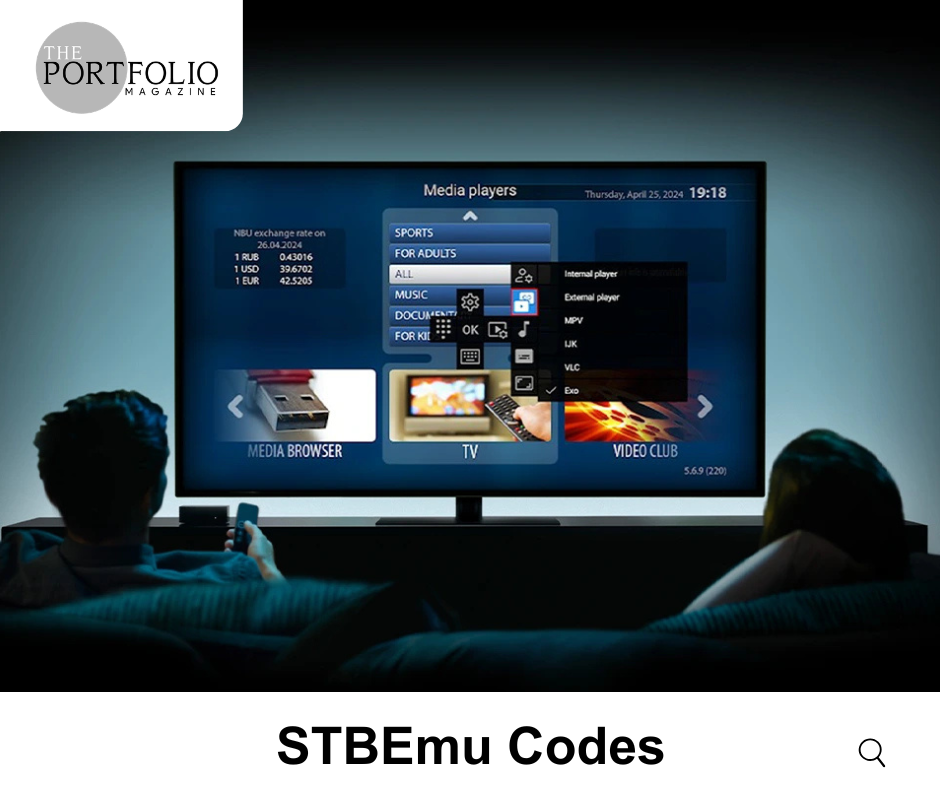
If you are searching for STBEmu Codes, you are likely trying to understand how to set up and use the STBEmu app for streaming content. STBEmu (Set-Top Box Emulator) is a popular application that allows users to simulate a set-top box environment on Android devices such as smartphones, tablets, and smart TVs.
STBEmu Codes are typically used to configure the app so it can connect to IPTV services. These codes usually include portal URLs, MAC addresses, and login details provided by IPTV service providers. Understanding how they work is important before using them.
What Are STBEmu Codes?
STBEmu Codes are configuration details required to activate and use the STBEmu application. These details help connect the app to a server that provides streaming content.
A typical setup may include:
- Portal URL
- MAC address
- Username and password (in some cases)
These details are usually provided by a legitimate IPTV service provider. Without proper configuration, the app cannot function correctly.
How STBEmu Works
STBEmu acts as a virtual set-top box. Instead of using a physical device, the app replicates the interface and functionality of IPTV boxes on your device.
Once configured with valid STBEmu Codes, the app connects to the IPTV server and allows users to access channels and content. The interface is similar to traditional cable TV systems, making it easy to navigate.
Features of STBEmu
STBEmu offers several features that make it popular among users:
- Set-top box-like interface
- Support for multiple profiles
- Compatibility with Android devices and smart TVs
- Customizable settings
- Smooth navigation and channel management
These features make it a flexible solution for users who prefer IPTV over traditional cable services.
How to Set Up STBEmu Codes
Setting up STBEmu Codes requires a few basic steps:
- Install the STBEmu app from the Google Play Store
- Open the app and access the settings menu
- Go to profile settings and create or edit a profile
- Enter the portal URL provided by your IPTV service
- Configure the MAC address if required
- Save the settings and restart the app
After completing these steps, the app should connect to the server and load the available content.
Important Safety and Legal Considerations
When using STBEmu Codes, it is important to understand the legal and security aspects:
- Always use codes provided by authorized IPTV services
- Avoid using unknown or free codes from unreliable sources
- Be cautious of scams and fake services
- Protect your personal data and device
Using unauthorized services may lead to legal issues or security risks, so it is always better to choose trusted providers.
Common Issues and Solutions
Users may sometimes face issues while setting up STBEmu Codes. Here are some common problems:
Connection Errors
Check if the portal URL is correct and the server is active.
App Not Loading Channels
Ensure your subscription is valid and properly configured.
Buffering Issues
Use a stable internet connection with sufficient speed.
MAC Address Problems
Verify that the MAC address is correctly entered and registered.
Troubleshooting these issues can help improve your overall experience.
Tips for Better Performance
To get the best experience with STBEmu:
- Use a high-speed internet connection
- Keep the app updated
- Choose a reliable IPTV provider
- Avoid overloading the app with multiple profiles
- Use compatible devices for smoother performance
These steps can help ensure a stable and enjoyable streaming experience.
Final Thoughts
STBEmu Codes are essential for setting up and using the STBEmu app effectively. They act as the bridge between your device and the IPTV service, enabling access to content.
However, it is important to use them responsibly and only from trusted sources. Understanding how the setup works and being aware of potential risks can help you avoid problems and enjoy a smoother experience.
If you are new to IPTV, starting with a reliable provider and proper configuration is the best way to make the most of STBEmu.