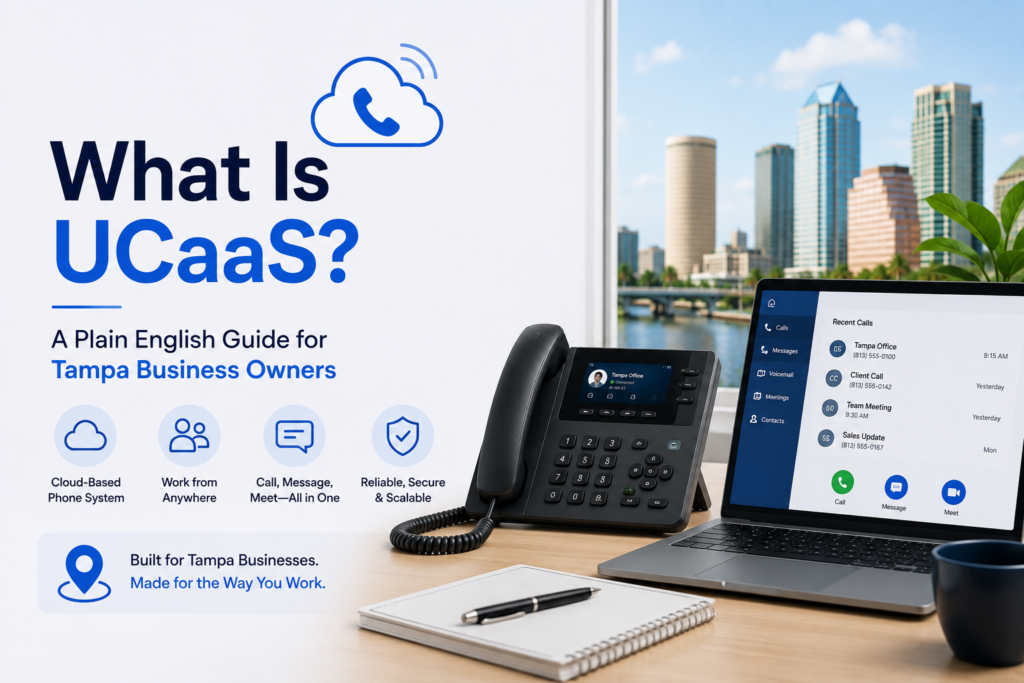
What Is UCaaS? A Plain English Guide for Tampa Business Owners
If you run a business in Tampa, you have probably heard the term UCaaS thrown around by IT vendors, phone companies, and consultants. It sounds technical, and honestly, a lot of the marketing around it makes it more confusing than it needs to be. So let us break it down in plain English: what UCaaS actually is, why it matters for a business like yours, and what to look for when you are shopping for a solution.
UCaaS, Defined Simply
UCaaS stands for Unified Communications as a Service. That is a mouthful, so here is the short version: it is a cloud based platform that brings all of your business communication tools together in one place. Phone calls, text messages, video meetings, voicemail, and even fax all live under a single system instead of being scattered across separate providers and separate bills.
Think about how most small and mid sized businesses used to operate. You had a desk phone system from one vendor, a video conferencing tool from another, a separate messaging app for the team, and maybe a fax machine sitting in the corner that nobody wanted to deal with. Each of those tools had its own login, its own cost, and its own quirks. UCaaS takes all of that and folds it into one platform that your team can access from a desk phone, a laptop, or a mobile app.
Why Tampa Businesses Are Paying Attention
There are a few reasons UCaaS has become such a popular topic among Tampa business owners specifically, and it is not just about saving money on phone bills.
Storm season is real. Tampa and the surrounding Gulf Coast area deal with hurricane season every year, and a traditional phone system tied to physical hardware in your office is a liability when a storm knocks out power or internet at your location. A cloud based UCaaS platform is not tied to a box sitting in your server closet. If your office loses connectivity, calls can automatically reroute to mobile apps or a backup location, so your business does not go dark right when customers need to reach you most.
Remote and hybrid teams need flexibility. Whether your staff is working from a clinic in Wesley Chapel, a retail location in Ybor City, or from home, a unified system means everyone is reachable through the same platform regardless of where they are physically sitting.
Growth without the growing pains. Adding a new employee or opening a second location used to mean ordering new phone lines and waiting on installation. With a cloud based system, scaling up is mostly a matter of adding a license, not running new wiring.
What Is Actually Included in a UCaaS Platform
The specifics vary a bit by provider, but generally a solid UCaaS package includes:
- Voice calling through a business phone number, often with the ability to port your existing local number
- A mobile app so employees can make and receive business calls from their personal device without giving out a personal number
- Voicemail to email, so voicemails are transcribed and delivered straight to an inbox instead of requiring someone to check a phone system
- Web and video meetings with recording and automatic transcription
- SIP trunking, which replaces old school physical phone lines with an internet based connection
- Integrations with the software your team already uses, such as Microsoft Teams, Salesforce, or HubSpot
One feature that often gets overlooked is fax. It sounds outdated, but plenty of industries, healthcare, legal, and real estate among them, still rely on fax for certain documents. Rather than keeping a standalone fax machine around, many UCaaS providers include a Fax to Email Communication option, which lets faxes arrive securely in an inbox instead of on paper. It is a small detail, but it is a good example of how UCaaS consolidates tools that would otherwise require a separate vendor and a separate monthly invoice.
How This Is Different From Just Having VoIP
A common point of confusion is the difference between VoIP and UCaaS. VoIP, or Voice over Internet Protocol, refers specifically to making phone calls over the internet instead of traditional copper phone lines. It is the foundation, but it is only one piece of the puzzle.
UCaaS builds on top of that foundation by adding everything else: messaging, video, collaboration tools, and app integrations, all managed through a single platform. So if a provider is only offering you internet based phone calls and nothing else, that is VoIP, not full UCaaS. If you are comparing quotes, it is worth asking directly what is included so you know whether you are looking at a complete communication platform or just a phone service with a new name.
What to Look for When Choosing a Provider
If you are a Tampa business owner evaluating UCaaS providers, here are a few practical questions worth asking:
- Can I keep my existing number? Number portability is a legal right, so any legitimate provider should be able to port your existing 813, 727, or 656 number over without downtime.
- What happens during an outage? Ask specifically how the system handles a power or internet failure at your office. Does it fail over automatically, or does someone need to manually redirect calls?
- Do I need new hardware? Many businesses can keep existing compatible phones or switch entirely to mobile and desktop apps, so it is worth asking before you assume you need a full hardware overhaul.
- How many integrations are supported? If your team already relies on tools like Microsoft Teams or a CRM, make sure the platform actually connects with what you use daily instead of asking you to switch tools.
- What is the actual setup timeline? A realistic implementation, including number porting, typically takes one to two weeks. Be cautious of vendors promising same day switches with no transition plan.
Bringing It All Together
At the end of the day, UCaaS is about simplification. Instead of juggling a phone provider, a video conferencing subscription, a messaging app, and a fax line, everything lives in one place, managed by one team, and billed on one invoice. For Tampa businesses in particular, the added resilience during storm season and the flexibility for remote or multi location teams make it worth serious consideration.
If you want to see what a complete solution looks like in practice, our Voice and UCaaS solutions Tampa page walks through the specific features, from mobile apps to SIP trunking to business continuity during outages.
OmniCaaS has spent years helping local businesses move away from outdated, hardware bound phone systems and into flexible, cloud based platforms built for how teams actually work today. If you are ready to see what a unified communication system could look like for your business, OmniCaas is a good place to start the conversation.